
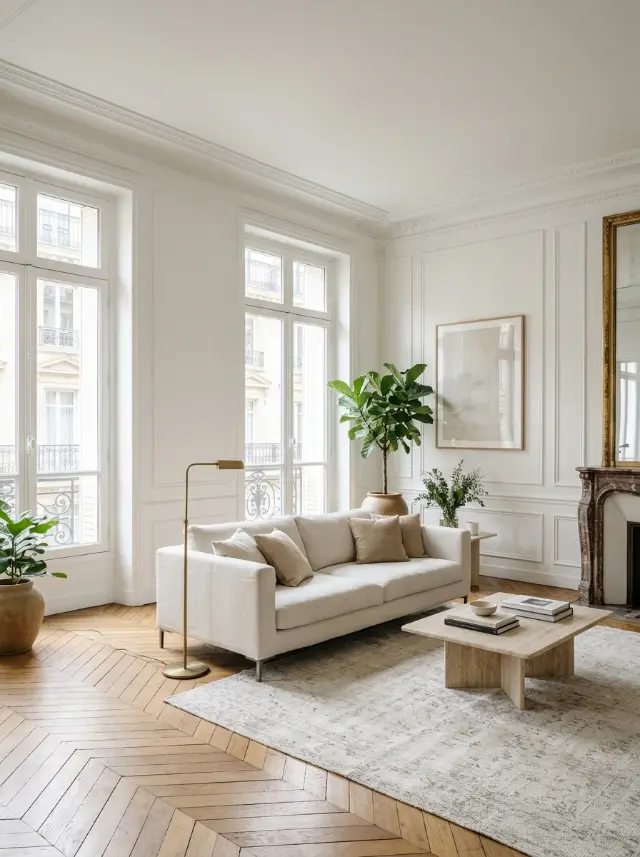
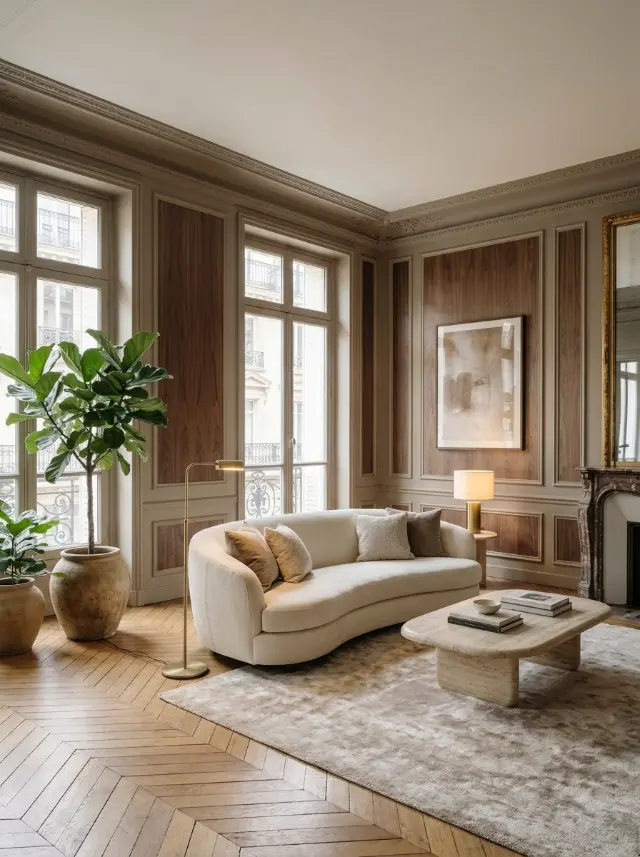
From inspiration to your room, without copy and paste
An inspiration photo rarely shows a room with the same shape as yours. So Inspire doesn’t copy the image: the AI pulls out what matters, the palette, the materials, the kind of furniture and the atmosphere, then adapts it to your room, with its own walls, windows and perspective.
You get a version of your home with the same spirit as the photo, without losing what makes your space yours.
Pinterest, Instagram, a magazine or a screenshot
Any image works: a Pinterest pin, an Instagram post, a photo of a magazine page or a screenshot from a decor website. The sharper the photo and the better it captures the mood, the closer the result.
You can also combine an inspiration with one of your favorite styles to steer the render.
Compare several inspirations
Torn between two looks? Run Inspire with each one and compare the results side by side in your project. Every version is saved, on iPhone and on the web.
How it works
- Take a photo of your room.
- Add the inspiration photo you love.
- See your room with the same mood, then download it in HD.