
Wall color and floors
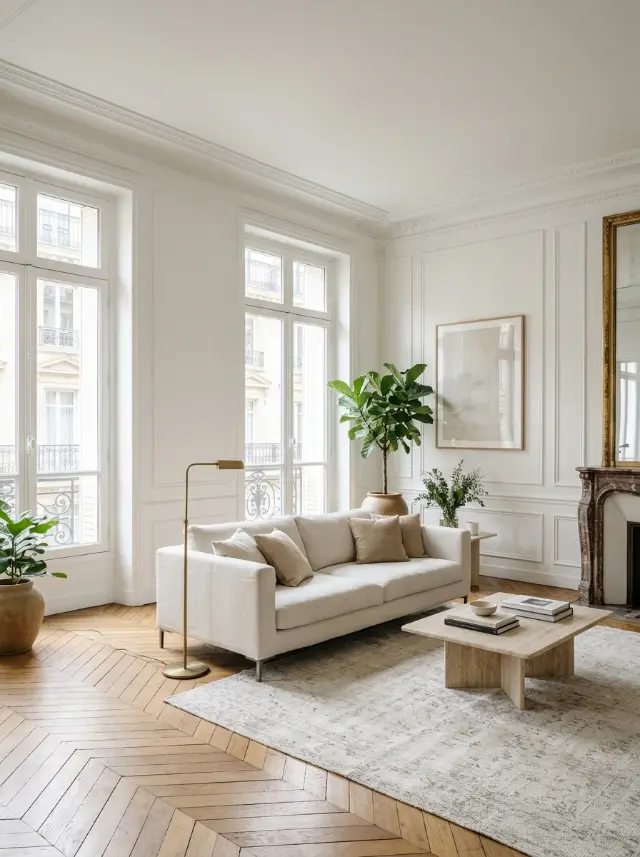
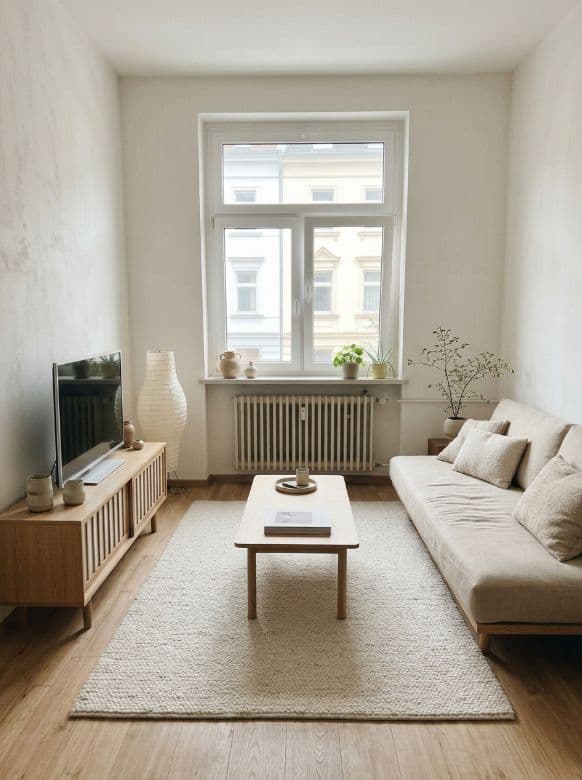
Before you buy a can of paint or new flooring, see the result in your room. Wall color offers ready-to-use shades, from warm white to sage green and midnight blue, and Floors shows your space with hardwood, tiles or polished concrete.
The furniture and decor stay in place: only the element you pick changes.
Erase, declutter, rearrange
Erase removes whatever you paint over with your finger, a cable, a trash can, an extra piece of furniture. Declutter tidies the whole room at once by clearing the mess. Rearrange keeps the same furniture but suggests a new layout, without lifting a thing.
These tools are perfect for getting great photos or rethinking a room without spending a dime.
Day → evening and holiday themes
Day → evening shows your room in evening light, with the lamps on. Holiday themes decorate your interior or your facade for Halloween, Christmas, New Year’s or Valentine’s Day.
How it works
- Take a photo of your room.
- Pick a tool: walls, floors, erase, declutter, rearrange…
- Apply the retouch and download the result in HD.